Still Managing Work Manually? It’s Time for Workflow Digitization

TL;DR / Summary
Learn how workflow digitization for business removes manual work, automates approvals, and improves internal processes beyond spreadsheets, emails, and WhatsApp.
Table of Contents
- What is Workflow Digitization for Business?
- Why Businesses Need Workflow Digitization
- Is Workflow Digitization Only About Spreadsheets?
- Common Manual Processes That Should Be Digitized First
- How Workflow Digitization Works in Practice
- Benefits of Workflow Digitization for Business
- Manual Workflows vs Digital Workflows
- How to Get Started with Workflow Digitization in Your Organization?
- Step 1: Identify repetitive manual processes
- Step 2: Choose one workflow to digitize
- Step 3: Automate approvals and task flow
- Step 4: Measure time saved and error reduction
- Step 5: Expand to other departments
- Is Workflow Digitization Worth It for Small Businesses?
- FAQ
- 1. What is workflow digitization for business?
- 2. What is the difference between workflow automation and digitization?
- 3. Which processes should be digitized first?
- 4. Can small businesses use workflow digitization?
- 5. Does workflow digitization replace employees?
- Final Thought
Most businesses don’t struggle because they lack tools. They struggle because work still depends on manual effort.
Emails get buried. Spreadsheets get messy. WhatsApp approvals get lost in chats. And teams end up spending more time chasing updates than actually doing the work.
That’s where delays really start.
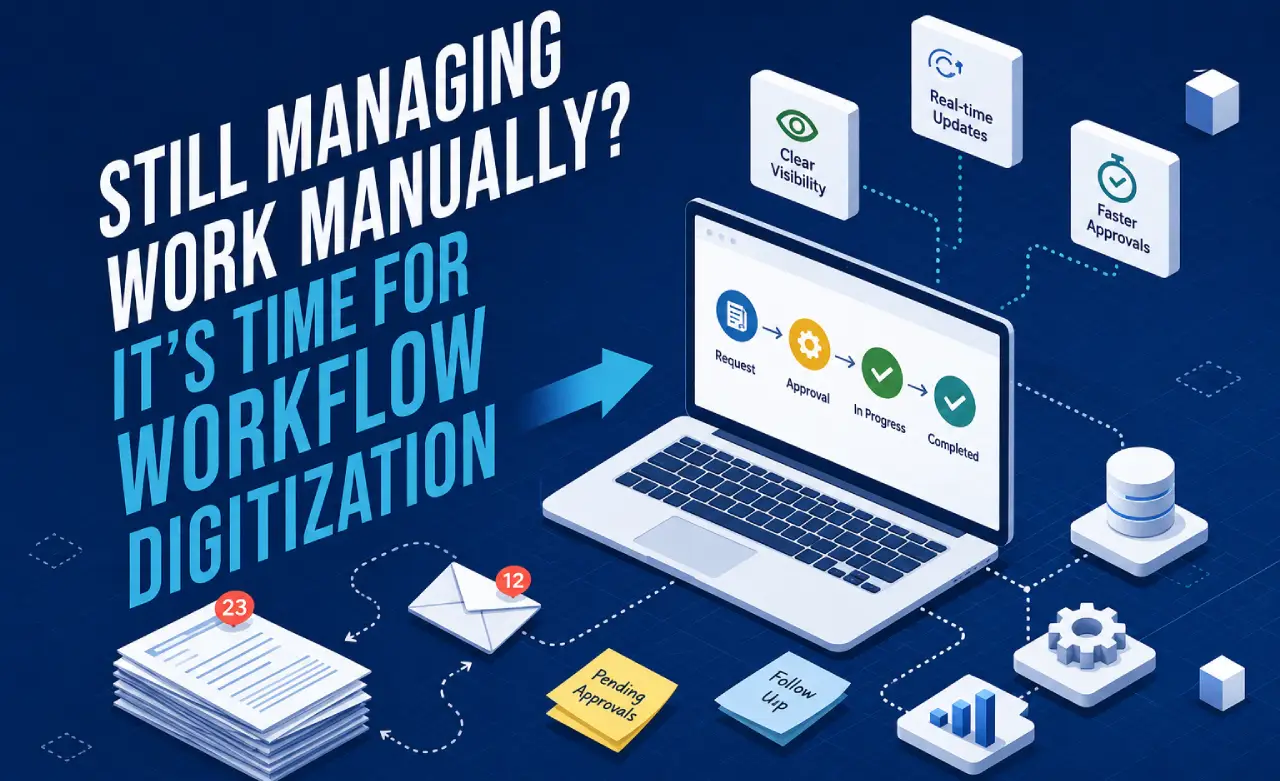
Workflow digitization for business fixes this by turning manual, repetitive processes into structured digital workflows that automatically move work between people, teams, and systems.
So instead of chasing tasks, everything flows forward on its own, clearly, consistently, and without constant follow-ups.
What is Workflow Digitization for Business?
Workflow digitization for business is the process of converting manual, repetitive, and people-dependent tasks into automated digital workflows.
It ensures that tasks like approvals, onboarding, reporting, and internal requests move automatically through predefined steps without manual follow-ups.
In simple terms:
It replaces scattered manual work with structured digital processes that run consistently.
Why Businesses Need Workflow Digitization
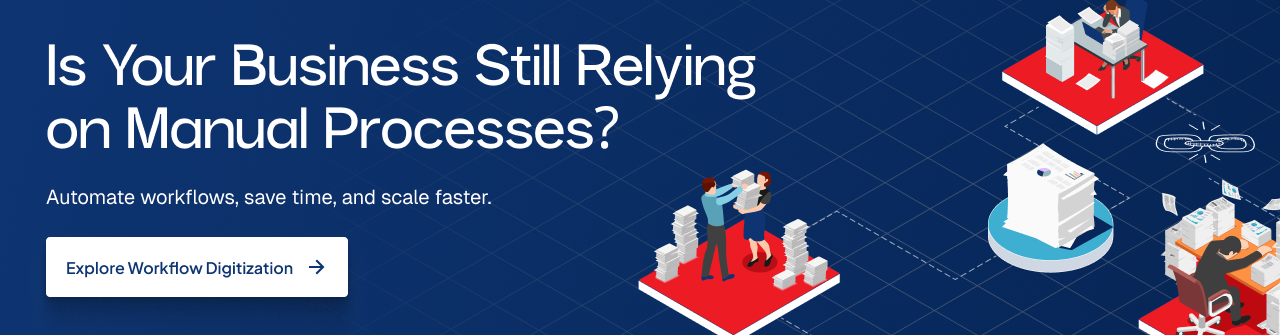
As businesses grow, manual coordination becomes harder to manage.
What once worked for a small team starts breaking when work increases, not because people stop caring, but because everything depends on follow-ups, reminders, and scattered communication.
Here’s where things usually start going wrong:
Delayed approvals through email or chat that slow down simple decisions
Repetitive data entry across multiple tools just to keep systems updated
Missed updates in spreadsheets, documents, or long message threads
Lack of real-time visibility on task or request status
Heavy dependence on individuals to move work forward manually
On their own, these issues feel small. But together, they quietly slow down execution across the entire business.
Workflow digitization solves this by standardizing how work moves inside the organization. It turns scattered manual steps into structured digital flows where tasks move forward automatically, consistently, and without constant chasing.
Is Workflow Digitization Only About Spreadsheets?
No. Spreadsheets are just one small part of a much bigger problem.
Workflow digitization is not about fixing one tool. It’s about removing manual effort from the way work actually moves within a business, across people, teams, and systems.
It also replaces a lot more than spreadsheets, like:
Email-based approvals that get stuck or forgotten
WhatsApp or Slack-based task tracking that has no structure
Manual CRM updates after every call or interaction
Paper-based onboarding or HR processes that slow down new joiners
Copy-paste work between different tools just to keep data aligned
Unstructured internal request systems where nothing has clear ownership
All of this creates the same issue: work depends on humans remembering, updating, and chasing things constantly.
The real goal of workflow digitization is simple: reduce manual effort and ensure work moves forward through clear, structured systems rather than scattered communication.
Common Manual Processes That Should Be Digitized First
The best place to start with workflow digitization is always the work that repeats often and involves multiple people.
These are the processes where delays, confusion, and follow-ups happen the most.
Here’s what businesses usually digitize first:
Employee onboarding → from collecting documents to assigning tasks and setting up access
Invoice and payment approvals → from request submission to approval and processing
Purchase requests → from raising a request to approval and vendor coordination
Customer onboarding → from sign-up to account setup and activation steps
Leave and attendance approvals → from employee request to manager approval and record updates
Vendor onboarding → from verification to approval and system setup
Internal IT or admin requests → from ticket creation to resolution and closure
These workflows matter because they happen every day. And when they’re handled manually, even small delays stack up fast and slow down the entire business.
Workflow digitization helps turn all of this into a clear, structured flow in which each step progresses automatically, without constant chasing or confusion.
How Workflow Digitization Works in Practice
Let’s take a simple real-world example: a purchase approval process.
Here’s how it usually works when it’s digitized properly:
An employee submits a purchase request through a digital system
The request is automatically routed to the right manager for approval
The manager receives an instant notification and approves digitally
Once approved, the finance team is automatically notified
The system updates the status in real time for everyone involved
No emails are going back and forth. No chasing approvals. No, “just checking if you saw my message.”
Everything moves step by step in a clear flow.
Work doesn’t sit idle anymore; it keeps moving forward automatically, and every stakeholder always knows what’s happening at each stage.
Benefits of Workflow Digitization for Business
Workflow digitization improves how day-to-day business operations run by removing unnecessary manual effort and bringing structure to how work moves.
Here’s what it actually helps with:
Reducing manual coordination so teams don’t have to constantly follow up on tasks or approvals
Speeding up approvals and decisions by routing requests instantly to the right people
Improving process visibility so everyone knows what’s happening and what’s pending
Minimizing human errors caused by missed updates, duplicate entries, or miscommunication
Eliminating repetitive data entry across multiple tools and systems
Allowing teams to focus on core work instead of chasing status updates or managing spreadsheets
In simple terms, it replaces scattered manual work with clear, structured flows.
This leads to more predictable and scalable business operations where work moves smoothly, even as the company grows.
Manual Workflows vs Digital Workflows
Manual Workflows | Digital Workflows |
Tasks tracked in spreadsheets | Tasks move automatically |
Approvals via email or chat | System-based approvals |
Manual reminders and follow-ups | Automated notifications |
Low visibility on status | Real-time tracking |
Repetitive data entry | Integrated data flow |
Work depends on individuals | Work follows defined systems |
How to Get Started with Workflow Digitization in Your Organization?
Workflow digitization works best when you don’t try to fix everything at once. Most businesses make progress when they start small, see real results, and then slowly expand into other areas. It keeps things simple for teams and avoids disruption in daily work.
Step 1: Identify repetitive manual processes
Start by looking at the work that feels repetitive and slow. These are usually tasks where people keep following up, copying data, or sending reminders. Things like approvals, onboarding, or internal requests often fall into this category. If a task happens again and again and depends on someone remembering to move it forward, it’s a strong candidate.
Step 2: Choose one workflow to digitize
Don’t try to fix everything together. Pick just one process that causes regular delays or confusion. It could be purchase approvals, employee onboarding, or leave requests. The idea is to focus on something simple enough to improve quickly but important enough that people actually feel the difference once it’s fixed.
Step 3: Automate approvals and task flow
Once you pick the workflow, structure it into clear steps and digitize it. Instead of emails or chats, the system should automatically send tasks to the right people. Approvals, notifications, and handoffs should move forward without manual chasing. This is where work starts feeling smoother because it no longer depends on constant reminders.
Step 4: Measure time saved and error reduction
After implementation, check what actually improved. Look at how much faster tasks are getting completed and whether mistakes or missed steps have been reduced. Even small improvements matter here because they show whether the new system is working or needs adjustment.
Step 5: Expand to other departments
Once the first workflow is stable, start applying the same approach to other areas. Teams usually adopt it faster after seeing real benefits. Over time, multiple connected workflows start forming a system where work flows naturally without manual coordination.
Is Workflow Digitization Worth It for Small Businesses?
Yes. Small and mid-sized businesses benefit a lot from workflow digitization because manual work quickly becomes a problem as they grow. What feels easy with a small team starts slowing everything down once tasks, customers, and coordination all increase at the same time.
Workflow digitization helps reduce this pressure by removing the need to rely on emails, messages, reminders, and constant follow-ups. Instead of work getting stuck in back-and-forth communication, it moves through simple, clear steps that keep everything moving forward without people having to chase it.
It also helps businesses grow without chaos. Teams can clearly see what’s happening at each stage, responses become faster, and daily work stays under control even as the workload increases. In simple terms, it helps small businesses grow without their day-to-day work becoming messy or hard to manage.
FAQ
1. What is workflow digitization for business?
Workflow digitization is the process of converting manual business tasks into automated digital workflows that move work between teams without constant follow-ups.
2. What is the difference between workflow automation and digitization?
Workflow digitization structures manual processes digitally, while workflow automation takes it further by automating steps within those processes.
3. Which processes should be digitized first?
Start with repetitive workflows like approvals, onboarding, purchase requests, and internal service requests.
4. Can small businesses use workflow digitization?
Yes. Small businesses often see faster improvements because manual inefficiencies impact them more directly.
5. Does workflow digitization replace employees?
No. It removes repetitive manual tasks so employees can focus on higher-value work.
Final Thought
Workflow digitization for business is not about replacing tools. It is about removing manual effort from the way work moves within a company.
When processes are structured digitally, businesses run faster, more smoothly, and with fewer errors, without relying on constant human follow-ups.
Your Product Could Be the
Next Case Study
Explore what we’ve built — and let’s collaborate to create something impactful for your business.
We reply within 24 business hours.